
Login to Easify Bookings from Easify
Choose the “Integrations Page” from the left navigation menu
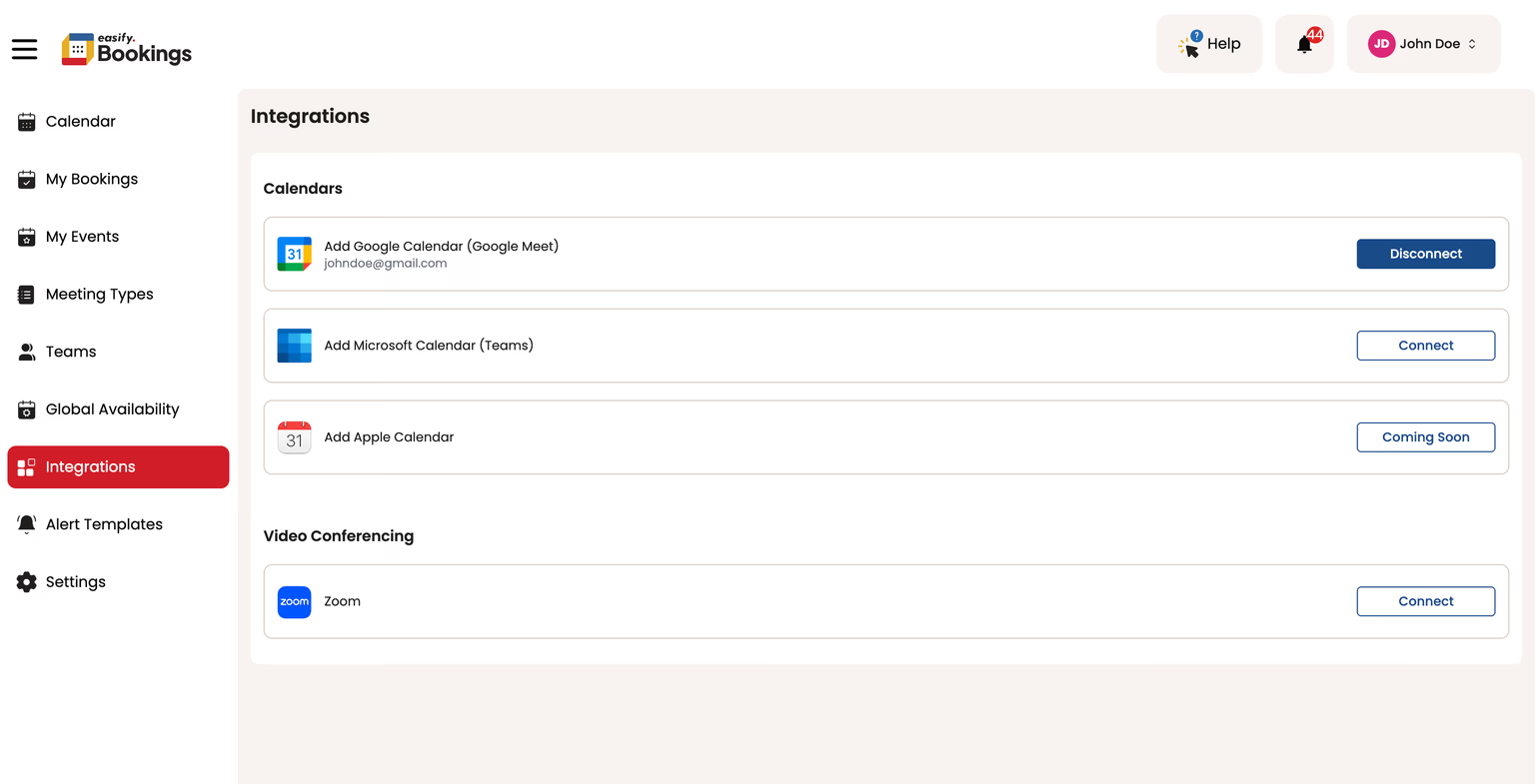
In the Integration page, click on “Disconnect” button next to the Zoom section. This will Disconnect your Zoom from Easify Bookings.
Login to Easify Bookings from Easify
Choose the “Integrations Page” from the left navigation menu
In the Integration page, click on “Disconnect” button next to the Zoom section. This will Disconnect your Zoom from Easify Bookings.