
Follow these simple steps to add contacts in Easify.
1. Click Calls from the left side menu.
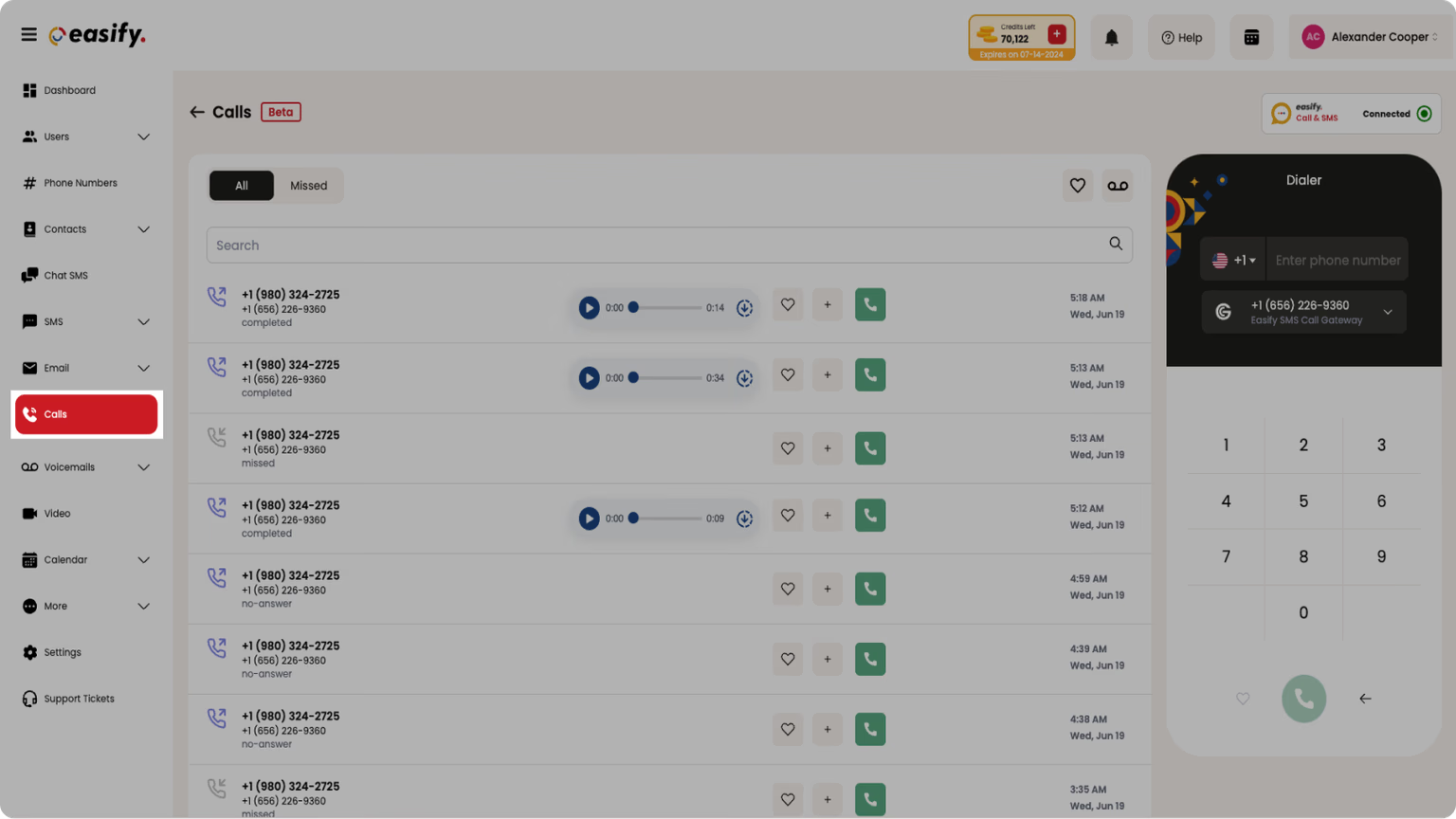
2. Click the ‘plus’ icon on the right-hand side of the displayed contact numbers.
3. Enter the required details.
4. Click Submit. You've successfully added your contact.